So it may be a surprise, but I have been working on a few personal projects over the past month or so. Being a software engineer provides me with some interesting avenues for personal development and project selection.
My latest project has been revamping my website. Updating the graphics and information to make it more interesting. I was quite happy with the results.
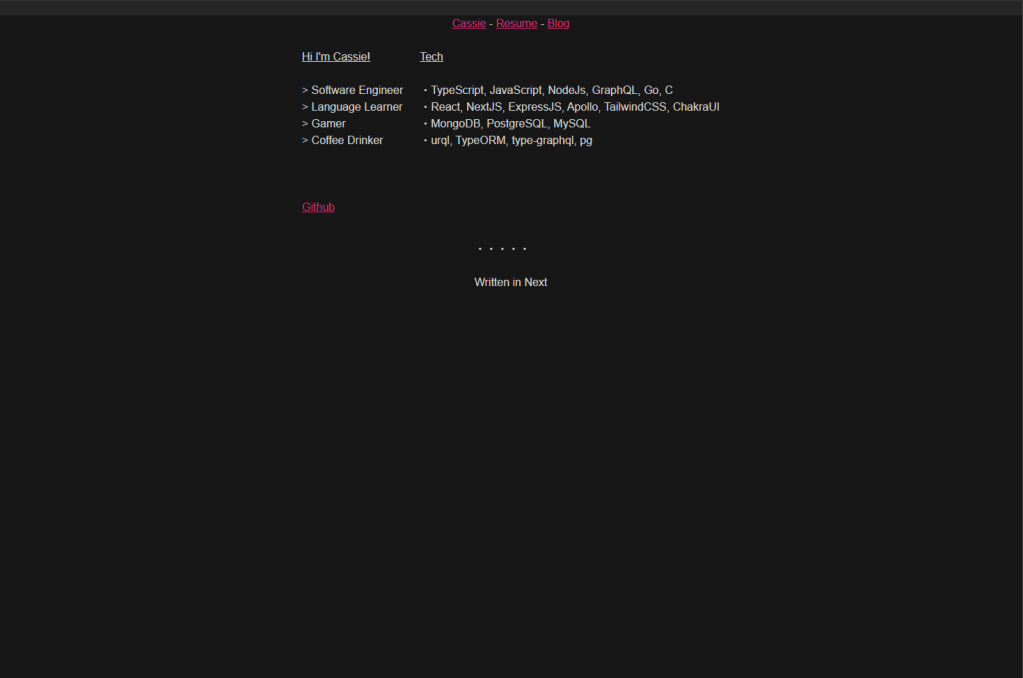
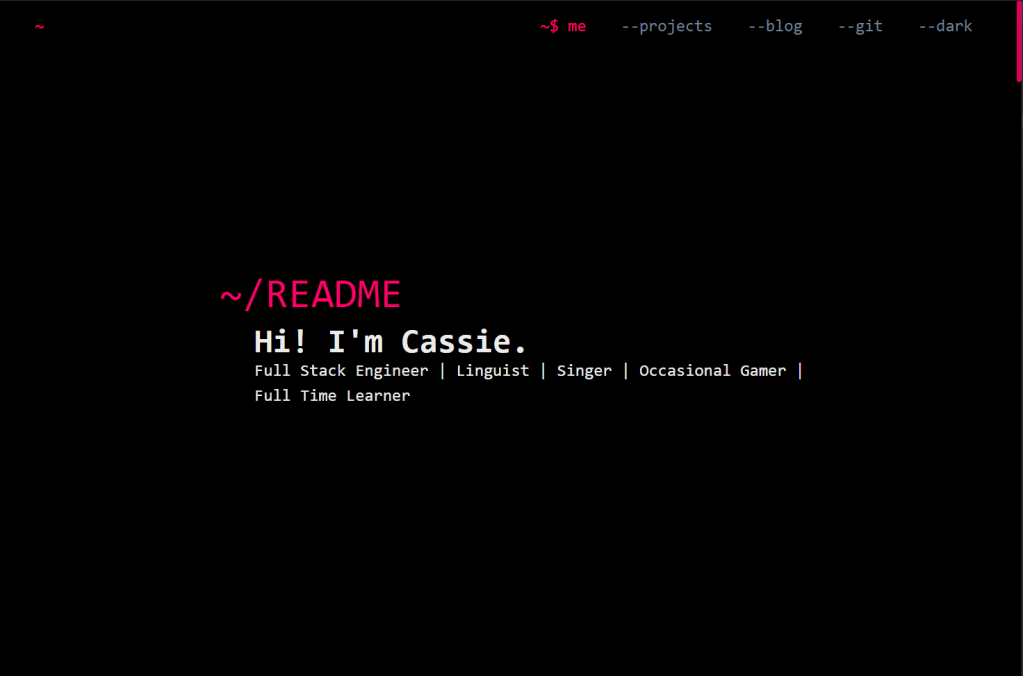
The tech I decided to use to rebuild it include using NextJS as the base, and ScrollMagic with GSAP to build the animations when you scroll through.
The process of building everything was quite frustrating to say the least, but it taught me quite a lot on how React applications work. The first issue I had was trying to get scroll magic to work in a React/Nextjs app. The base ‘ScrollMagic’ npm library was not going to fit my needs, or at least was not going to be easily learnable compared to other options. On the search for an alternative solution, I found an npm library for a React implementation of ScrollMagic, react-scrollmagic, that had a surprisingly easy setup after installation.
import { Controller, Scene } from 'react-scrollmagic';

const index = (): JSX.Element => {
  return (
    <Controller>
      <div>
        <Scene>
          ...component
        </Scene
      </div>
    </Controller>
  )
}
It is quite simple to get started by just wrapping a bunch of scenes one after the other in a controller. Passing a few component props into the Scene for things like: duration, offset, or pinning to a position, it becomes straightforward to get started with the scroll. Just putting a component between the scene tags makes it all work.
Following setting up the scroll, the next part for me was getting animations to work. To do this I had to turn to GSAP. This library also did not have good applications in React, and so I turned to another aptly named package, ‘react-gsap’. Understanding this library was a pain, but once I figured out the few exposed components it was easy to set up.
import {
  Tween, Timeline,
} from 'react-gsap';

...within a controller object
<Scene>
  {(progress: number | undefined) => (
      <div>
        <Timeline totalProgress={progress} paused>
          <Timeline
            target={(
              <>
                <div>     <- target is 0
                </div>
                <div>     <- target is 1
                  <div>   <- I could not find a way to target this
                  </div>
                </div>
              </>
             )}
          >
            <Tween
              target= // {n} where n is the order that the component appears in DOM
              // the 'from' and 'to' can be split into different tween object with many 'to's!
              from={{ A set of css components }}
              to={{ A set of css components }}
            />
          />
          </Timeline>
        </Timeline>
      </div>
    )}
</Scene>
...
Firstly I pulled the Tween and Timeline object and within one of the previously created scene, then I inline a function that takes in the progress of the scroll and made an overall timeline for the animation that takes in the progress, that wraps another timeline that contains a React component, and is wrapped around several Tween components that hold what I assume are the keyframe css definitions for the targeted component. The library will animate between the ‘from’ state and the ‘to’ states. There can be several timelines with several tweens within the bit overall timeline, so it can make some pretty interesting stuff.
One other fun feature I added is an email integration for my contact form. I have not put in some settings so it is not active as of yet, but I thought it was a fun little addition.
Overall, I would probably say that this was one of my most rewarding projects, to see it live and working here. Though there were a few other challenges, I would say that these two were the main pains in the project. Other issues were handling responsive design, component switching, and making the drawer work the way I want it.


keep going! you’re awesome!!!
LikeLike